Control Codex From Your Phone & Track Multi-Account Quotas
Running multiple Codex CLI accounts across projects makes it easy to lose track of sessions and hit rate limits unexpectedly. RemoDeck discovers local Codex profiles in read-only mode and gives you one unified desktop + mobile remote deck.
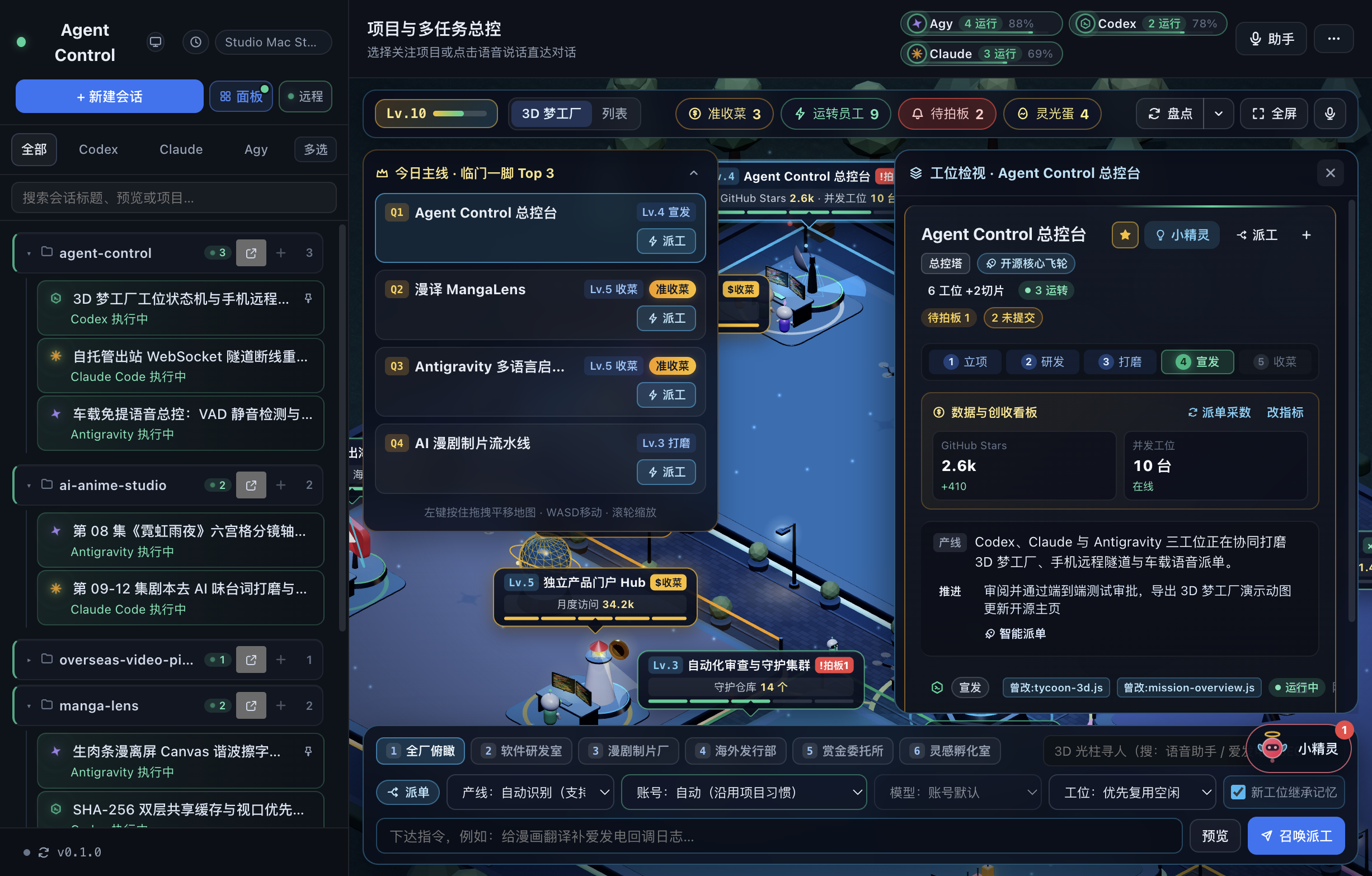
Common Pain Points
- Idle or Exhausted Quotas: Leaving paid quotas idle while away—or hitting a rate limit without seeing which profile still has headroom.
- Scattered Histories: Threads spread across separate Codex home directories and terminal tabs.
- Manual Babysitting: Long engineering runs pausing mid-way waiting for one short follow-up prompt.
How It Works
- Install RemoDeck with one command; it auto-discovers local
~/.codexinstances without touching upstream DBs. - Check per-profile health and rate-limit status alongside all active threads in one view.
- Use mobile QR pairing and
/goalcontinuation to keep long tasks moving safely.
One-Line Install (MIT Open Source)
macOS / Linux:
curl -fsSL https://hub.guuguo.top/install/agent-control.sh | bashWindows PowerShell:
(irm https://hub.guuguo.top/install/agent-control.ps1).TrimStart([char]0xFEFF) | iexFAQ
Does RemoDeck read or upload my Codex tokens?
Never. RemoDeck strictly avoids reading or forwarding credentials/tokens and keeps all conversations local.
Can I manage Codex and Claude Code side by side?
Yes. RemoDeck aggregates Codex, Claude Code, Antigravity, Grok, and Qoder in one unified hub.