Why Localizing Google Antigravity Shouldn't Patch app.asar
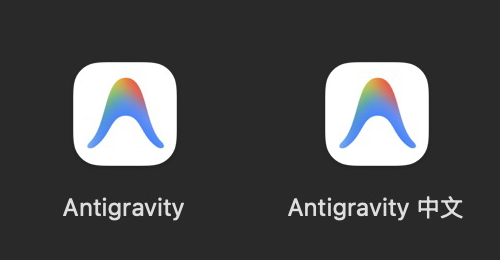
Traditional Electron language patches unpack and overwrite app.asar, breaking macOS Gatekeeper signatures and vanishing on every IDE update. Antigravity Multi-Language Launcher creates an isolated side-by-side launcher instead.
3 Pitfalls of Patching app.asar Directly
- Broken Code Signatures: macOS Gatekeeper flags tampered bundles as damaged and resets privacy permissions.
- Lost on Auto-Updates: Every Antigravity release overwrites core bundles, wiping manual patches.
- No Clean English Fallback: Debugging English error logs becomes harder when you cannot launch the stock app side-by-side.
How the Dual-Icon Non-Destructive Launcher Works
- Leaves the official Google Antigravity install directory 100% untouched.
- Creates a dedicated localized app entry on macOS or Windows shortcut per chosen locale via
--lang <code>. - Supports 9 locales side-by-side and removes any single locale cleanly with the matching uninstall script.
One-Line Commands
macOS / Linux (e.g. Japanese):
curl -fsSL https://hub.guuguo.top/install/antigravity.sh | bash -s -- --lang jaWindows PowerShell (e.g. Japanese):
$s = irm https://hub.guuguo.top/install/antigravity.ps1; & ([scriptblock]::Create($s)) --lang jaFAQ
What happens when Google Antigravity auto-updates?
Your original app updates normally; simply re-run the one-line installer to re-sync your localized launcher.
Can I install multiple locales on one machine?
Yes. Each --lang flag generates its own localized launcher entry without colliding with other locales or the English app.